
For Vendor Managers
A smoother process, for you and your vendors.
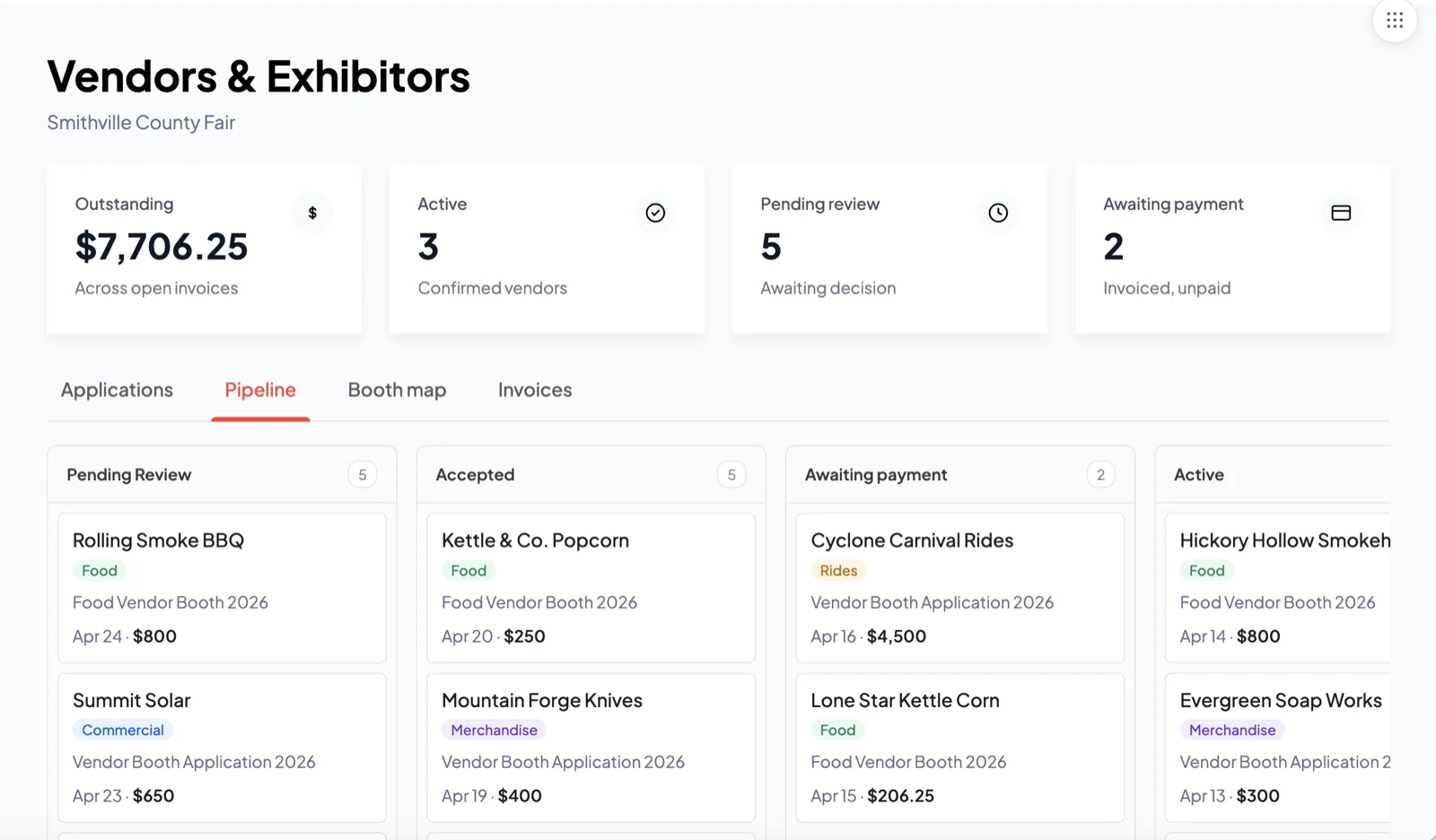
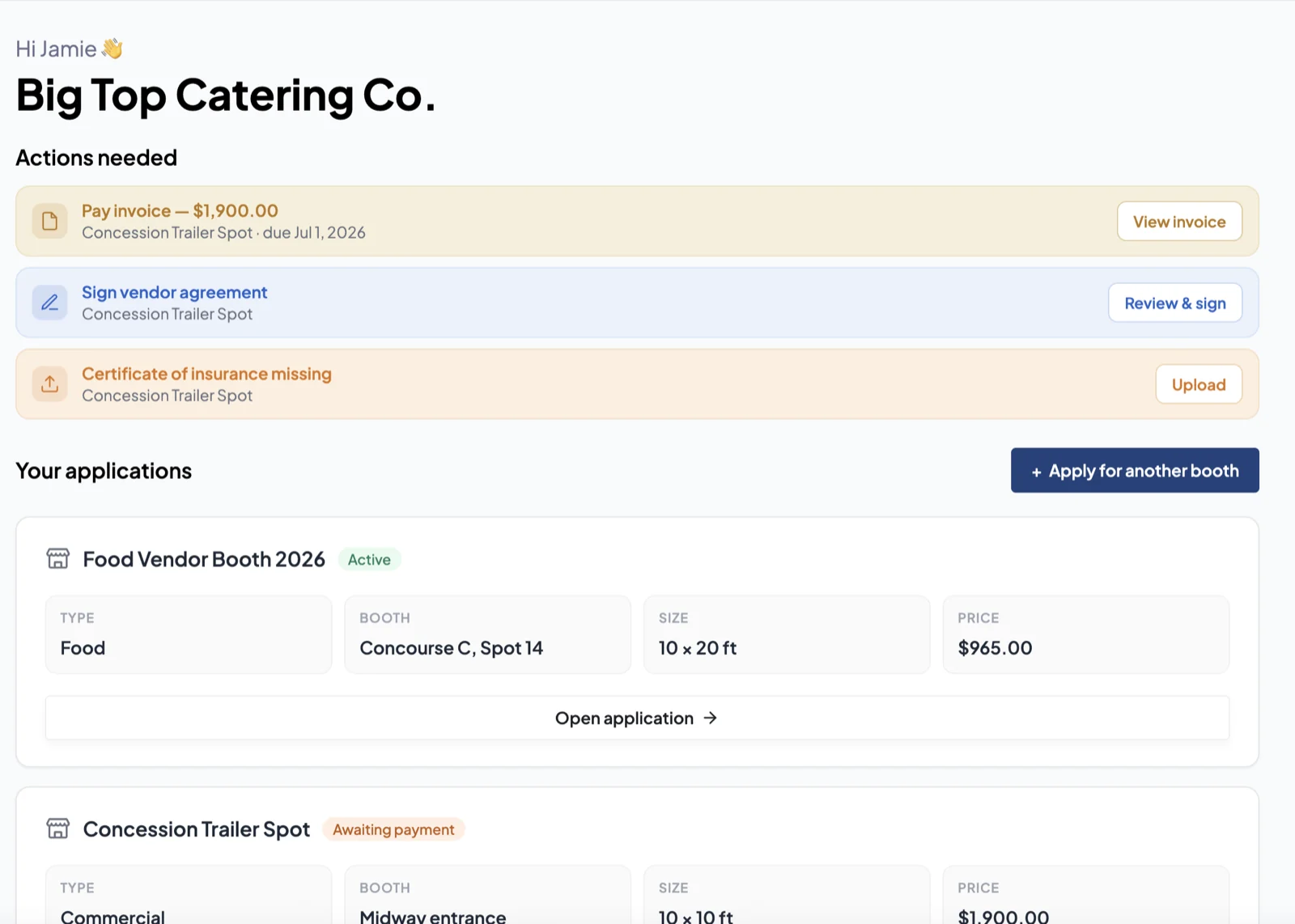
Applications, contracts, spots and payments in one place, with as much of the process automated as possible.

Vendor Managers
What changes for your vendor team.
Applications, contracts, spots and payments in one place, with as much of the process automated as possible.
- Online applications
- Contracts and spots
- Online payments
- See who still owes
↔ Connected to 6 other places
Vendor Managers
What changes for your vendor team.
Applications, contracts, spots and payments in one place, with as much of the process automated as possible.
- Online applications
- Contracts and spots
- Online payments
- See who still owes
↔ Connected to 6 other places
What changes
What you’re juggling now, and what replaces it.
Your fair today
On Fairs.com
Paper applications, mailed checks and cash
Let vendors pay online, so you handle fewer checks and less cash
Chasing who has paid and who hasn't
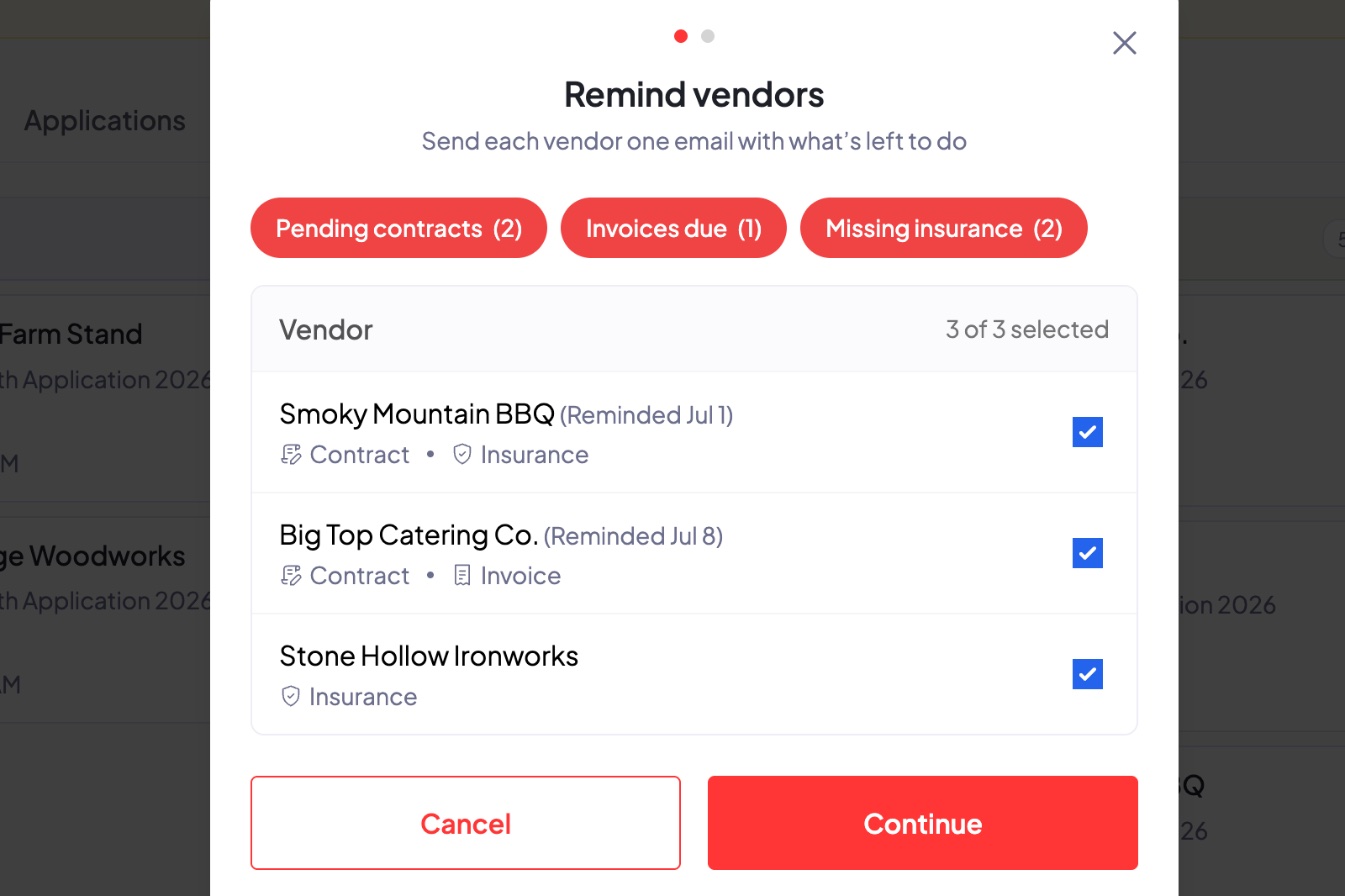
See who has paid, who hasn't, and who still owes a required step
Missing paperwork holding up approvals
Approve vendors as their applications come in
Spot assignments kept on a whiteboard
Handle contracts and assign spots in one place
- Send vendors the information they need
Vendor management
Everything your vendor team runs, in one place.
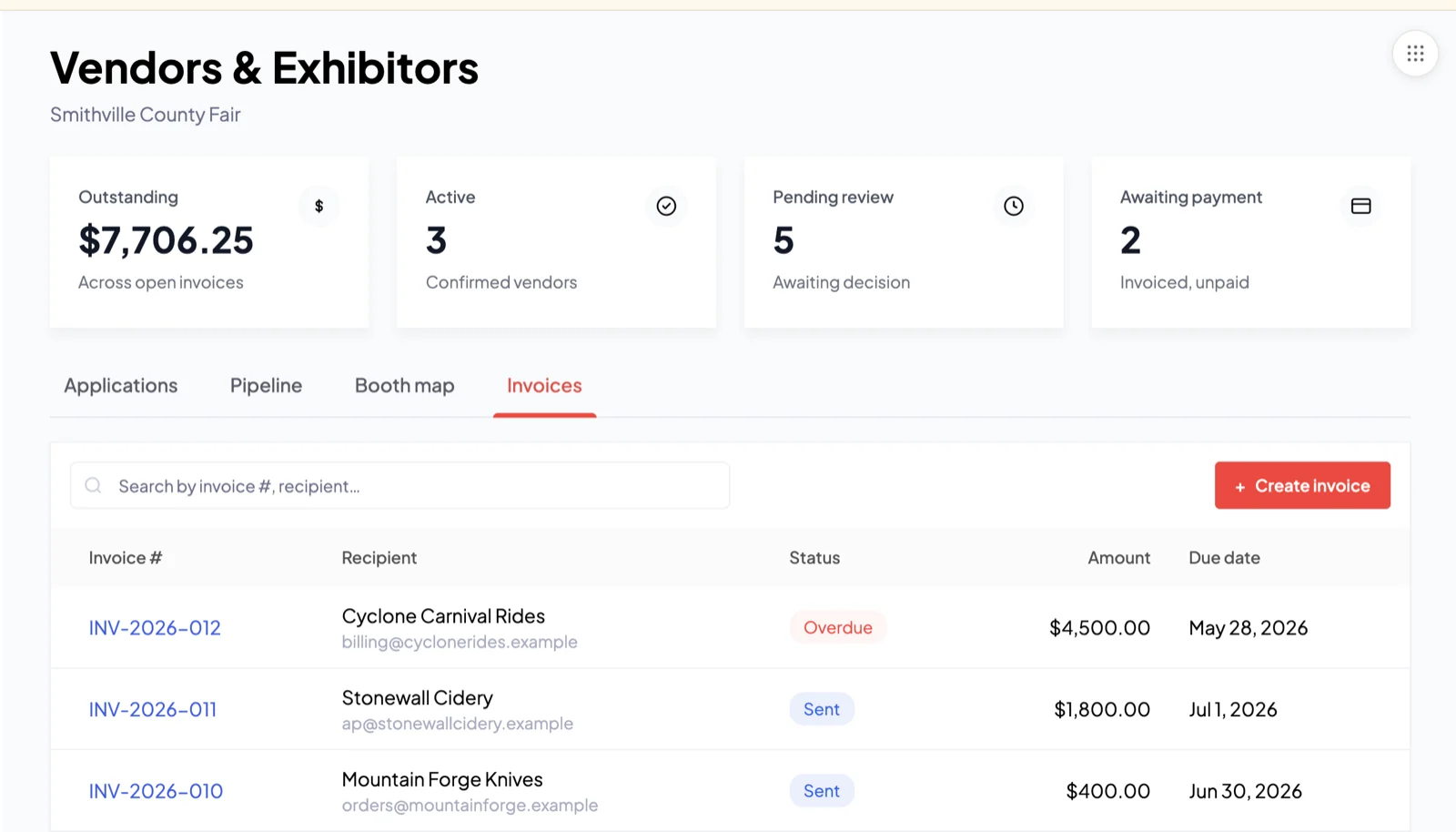
From application to approval to payment, see exactly where each vendor stands and what's left to do.
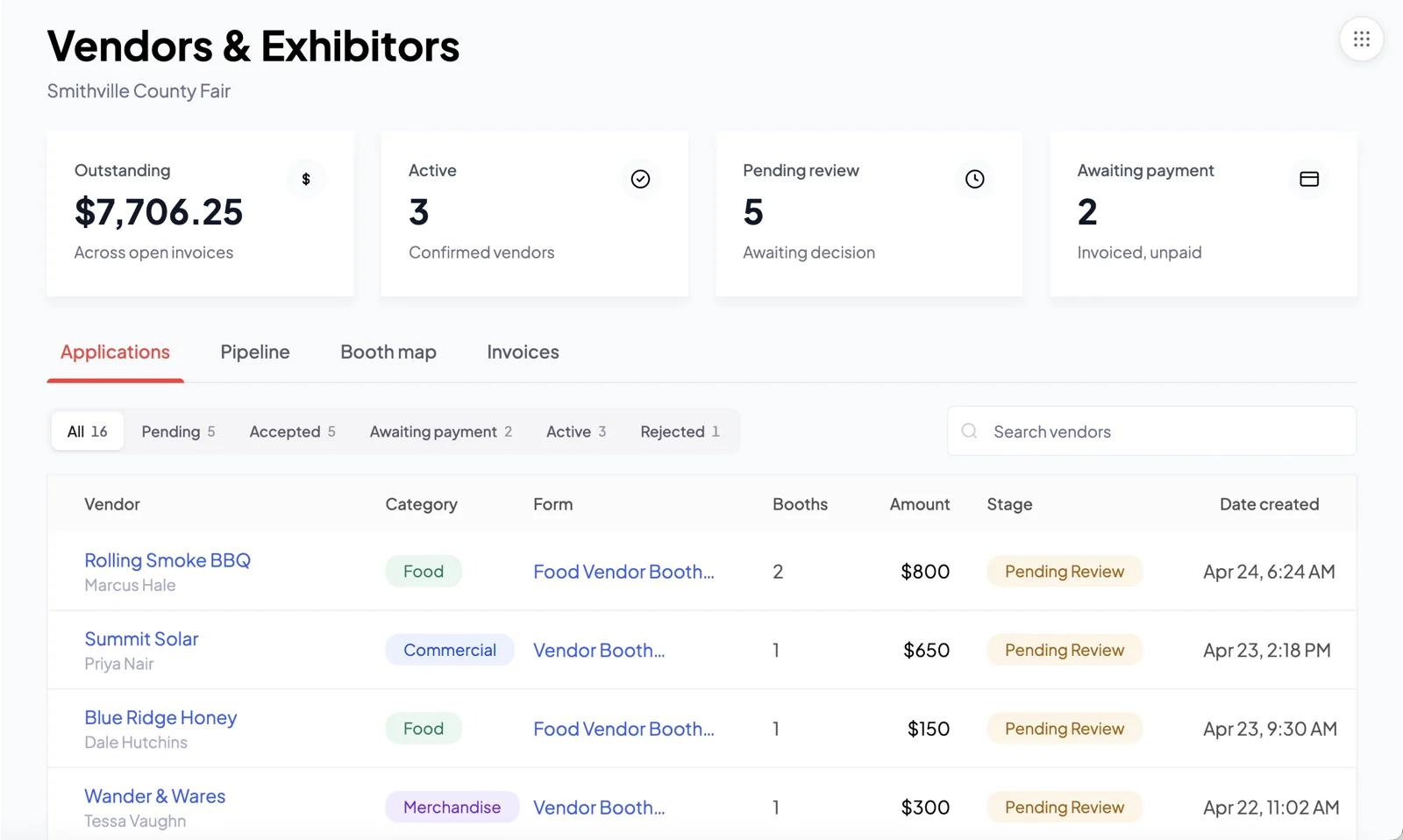
Applications Applications come in online, with booth, amount and status.
In your corner
A Customer Success Manager on your team.
Like another member of your vendor team: someone who knows fairs, knows your setup, and picks up the phone, so your team run vendors the right way.
- A real person you can call, never a chatbot
- Experience from over 200 fairs
- With you from setup through your busiest day





Modules you’ll love
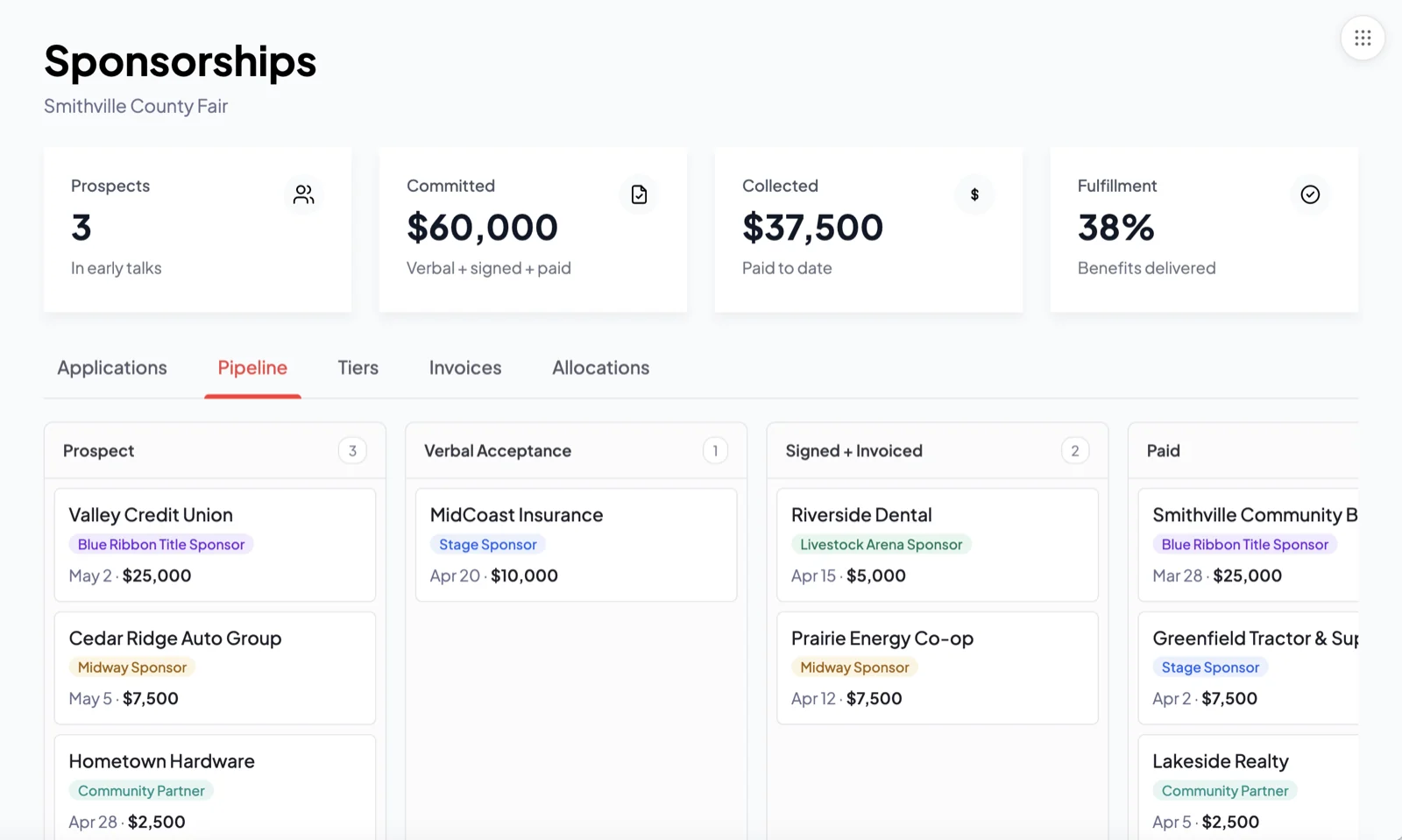
Built for your role.
See it run for your vendors before your next fair.
A 30-minute walkthrough with a Fairs.com expert, on your vendor team’s own setup.




91%sold more digital tickets
200+fairs served
9.7average rating out of 10
See why so many fairs swear by it!